
Screen Time not working on your child's iPhone
When Screen Time stops working on a child's iPhone it is almost always one of nine things: the child changed the clock, Family Sharing is not set up as a child account, Downtime is scheduled but Block at Downtime is off, the child knows the passcode, an iOS update reset a setting, another browser or Siri is open, the limit was ignored, a reinstall cleared a rule, or Screen Time authorization was turned off.
Below is each cause, how to tell it is the one, and the switch that fixes it. At the end, what SimpleSentinel changes so the rules hold without this list. One honest line first: SimpleSentinel runs on Apple's own Screen Time framework. It fixes the holes; it does not replace the framework.
One price, unlimited children and devices. 7-day free trial, billed by Apple.
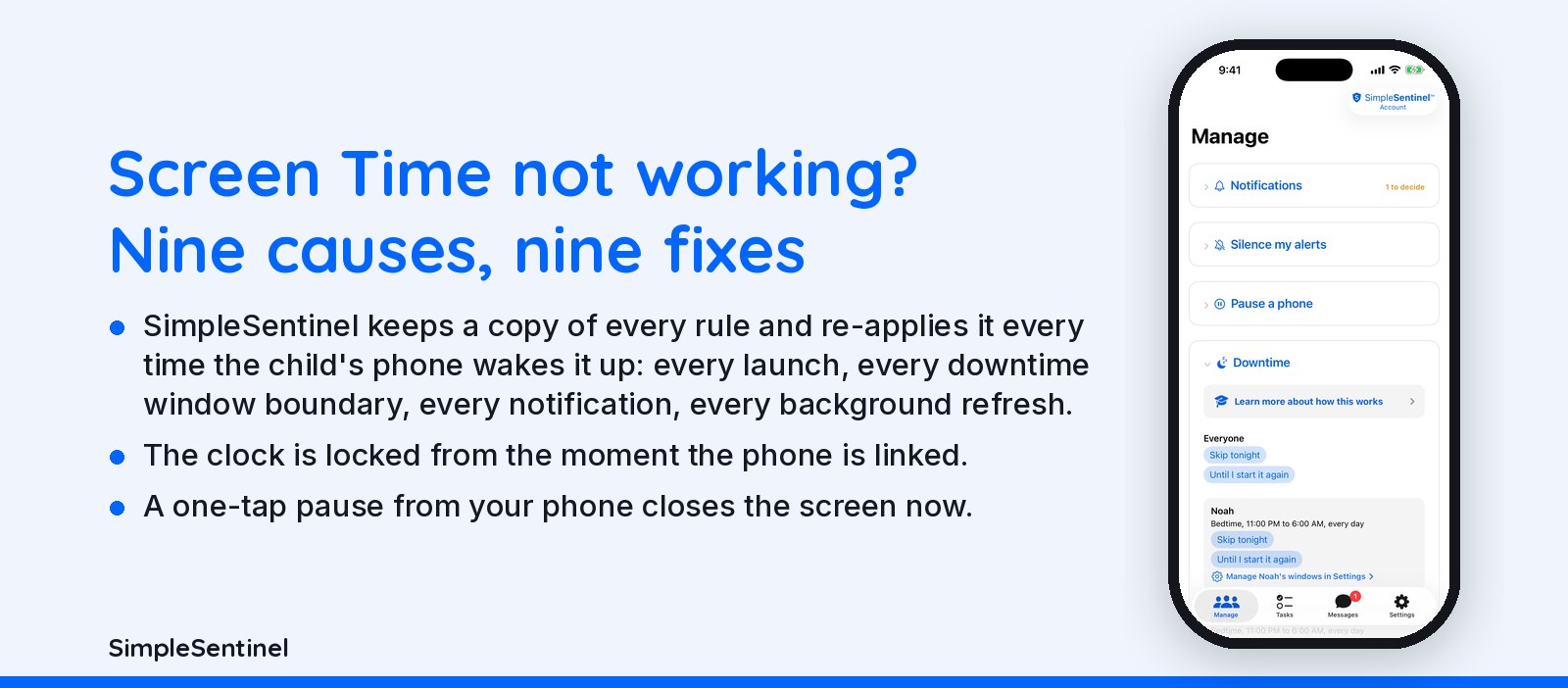
The nine causes, in order, and what SimpleSentinel changes
Causes 1 to 5: the clock, the account, the schedule, the passcode, the update
1. The child changed the clock: Settings, General, Date & Time, Set Automatically is off, so Downtime ended when they said it did. Turn it on and lock it under Content & Privacy, Location Services, System Services, Setting Time Zone. 2. The child's Apple account is not a child account in Family Sharing, so your limits live only on the device you set them on. 3. Downtime is scheduled but Block at Downtime is off, so the limit only nags. 4. The child knows the Screen Time passcode; change it and keep Allow Changes off. 5. An iOS update reset a switch; walk Content & Privacy again after every update, because nothing tells you which one moved.
Causes 6 to 9: Siri and other browsers, Ignore Limit, reinstall, authorization
6. Another browser or Siri reaches a site you blocked; block the web under Web Content, not with an app limit, so the filter covers every browser. 7. The child pressed Ignore Limit for the day; set Block at End of Limit. 8. Deleting and reinstalling an app clears its limit; turn Deleting Apps off and use Ask to Buy for installs. 9. Screen Time authorization was turned off on the child's phone. Apple allows this on purpose, no app can prevent it, and Apple does not tell you; the most any app can do is report it the moment it happens.
What SimpleSentinel does differently
Apple's rules are switches with no backup: nothing checks them later and nothing tells you when one resets. SimpleSentinel keeps a copy of every rule and re-applies it every time the child's phone wakes it up: every launch, every downtime window boundary, every notification, every background refresh. The clock is locked from the moment the phone is linked. Downtime comes as as many named windows as you need, each on the days you pick. A one-tap pause from your phone closes the screen now. And the child phone reports what is actually applied, so you see drift on your own phone instead of a month later.
What still works during a lock
Calls to and from you keep working. Apple keeps the Phone app reachable no matter what. Your emergency alarm and a No Ignore message still reach the screen. A pause stays until you lift it, through restarts and through a scheduled downtime window. SimpleSentinel never reads what your child types, watches or browses.
Pricing
Founding Family (First 1,000 Families)
7-day free trial. Unlimited children and devices.
$9.99/mo
or $99.99/yr
About 28 cents/day for every device & child.
Your price never goes up as long as you stay subscribed.
Regular Price
7-day free trial. Unlimited children and devices.
$16.99/mo
or $149.99/yr
About 41 cents/day for every device & child.
Compare to A locked-down phone @ $1,000/yr per child.
© 2026 Jubilee Industries LLC. SimpleSentinel™ is a trademark of Jubilee Industries LLC. Patent pending.


