
How to lock an iPad for a toddler
For a toddler the goal is one app, no way out, no purchases. Apple's Guided Access does exactly that for one app on any iPad or iPhone, built in; SimpleSentinel's Kid Mode does it for a chosen set of apps on your own iPhone and ends only with your Face ID.
Guided Access is enough when one app will do. It is not enough when the child needs two or three apps, when an iPad is shared between siblings, or when the device you hand over is your own phone. Two honest lines: Kid Mode has no timer, on purpose, and no app can lock the iPad's volume.
One price, unlimited children and devices. 7-day free trial, billed by Apple.
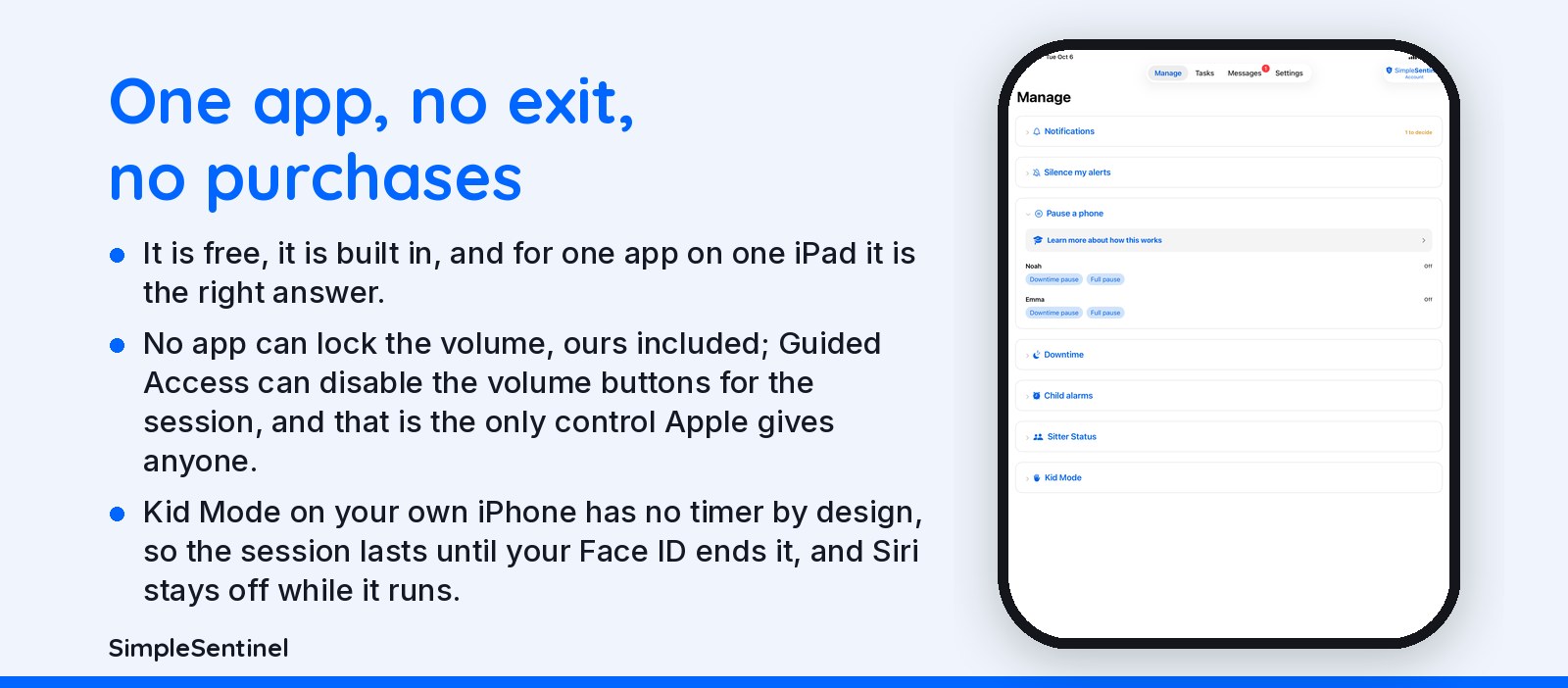
Guided Access, Kid Mode, a shared iPad, and the baby mode that does not exist
Guided Access in six steps
1. Settings, Accessibility, Guided Access, on. 2. Set a Guided Access passcode, or use Face ID. 3. Open the one app. 4. Triple-click the side button (or the Home button). 5. Circle any part of the screen you want dead, and under Options turn off the volume buttons, the sleep button and touch if you like. 6. Tap Start. Triple-click and the passcode end it. It is free, it is built in, and for one app on one iPad it is the right answer. Set a time limit under Options and the screen dims when it is up.
✓ Kid Mode
Turn "Kid Mode" on and your own iPhone follows that child's rules: what you allow stays open, what you don't stays closed. Only your Face ID or passcode turns it off.
✓ One device, multiple children
Share one device between children. Each signs in with their own four-digit code and gets their own settings to access what you allow and close what you don't; Web browsing included. Their own chores are there too. Set the device down and it locks itself after a few minutes; wrong-code attempts reach you.
Baby mode, and what no app can do
There is no baby mode on iPhone or iPad; what people mean is Guided Access, above. No app can lock the volume, ours included; Guided Access can disable the volume buttons for the session, and that is the only control Apple gives anyone. To keep a toddler on YouTube Kids only, open it and start Guided Access; to keep purchases off, Ask to Buy under Family Sharing plus Require Password: Always under Face ID & Passcode. Kid Mode on your own iPhone has no timer by design, so the session lasts until your Face ID ends it, and Siri stays off while it runs.
Pricing
Founding Family (First 1,000 Families)
7-day free trial. Unlimited children and devices.
$9.99/mo
or $99.99/yr
About 28 cents/day for every device & child.
Your price never goes up as long as you stay subscribed.
Regular Price
7-day free trial. Unlimited children and devices.
$16.99/mo
or $149.99/yr
About 41 cents/day for every device & child.
Compare to A locked-down phone @ $1,000/yr per child.
© 2026 Jubilee Industries LLC. SimpleSentinel™ is a trademark of Jubilee Industries LLC. Patent pending.


