How do parental control apps work on iPhone?
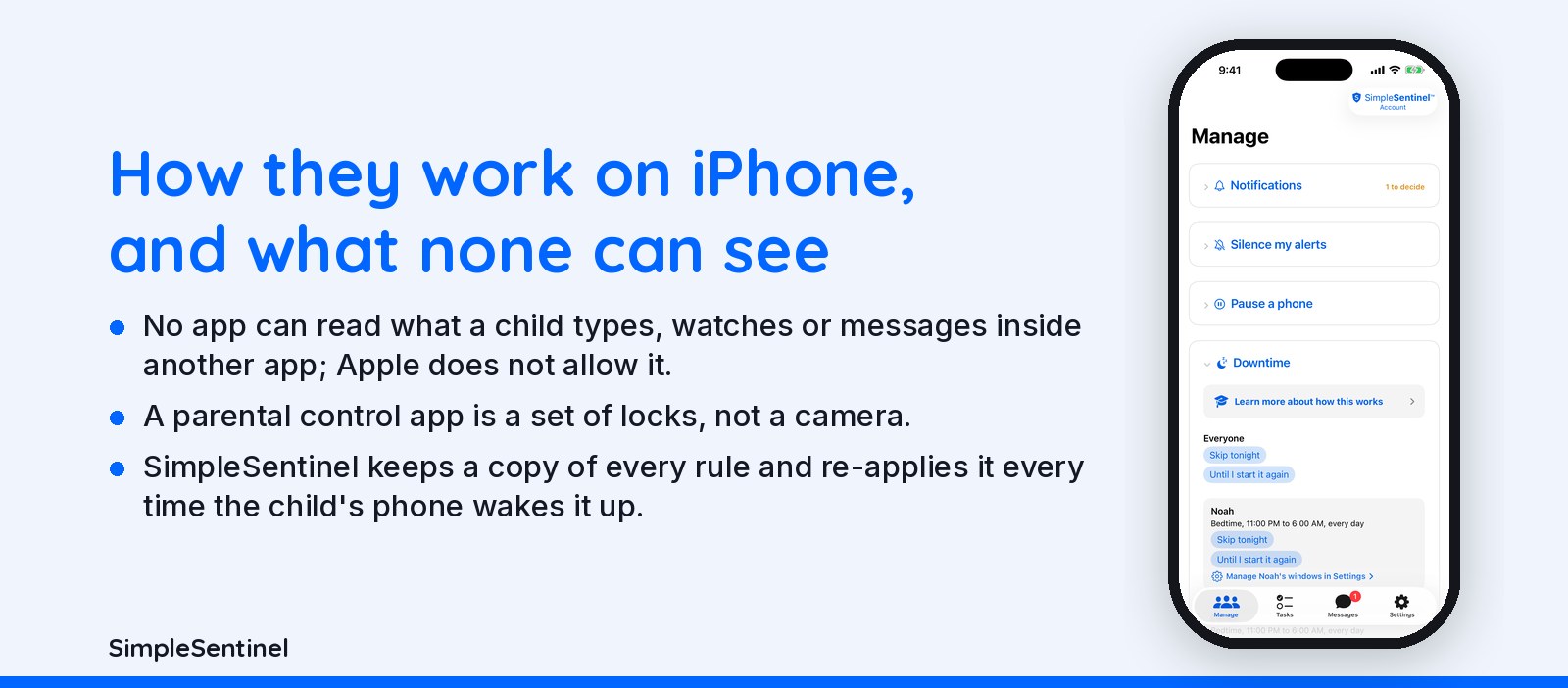
On iPhone every parental control app works through Apple's Screen Time framework: Apple shields apps, filters the web and enforces Ask to Buy, and the app tells Apple what rules to apply. No app can read what a child types, watches or messages inside another app; Apple does not allow it.
That one fact sorts the category. Apps that promise message monitoring on iPhone do it through backups or a computer, not on the phone. Apps that promise control do it through the framework, and differ in how many holes they close. We make one of them, SimpleSentinel, and this page is the explanation we wish someone had written for us.
One price, unlimited children and devices. 7-day free trial, billed by Apple.
The framework, what any app can see, control versus monitoring, and what to ask a vendor
The framework Apple provides
Apple gives a parental control app four tools and no more. Shields: the app names apps or categories and Apple draws the closed screen over them; the app never touches the shielded app. A web filter: Apple's on-device filter, which the app feeds allow and block lists, and which covers every browser. Downtime and limits: schedules the app sets and Apple enforces. Ask to Buy: Apple's own approval for installs. Everything a parental control app does on iPhone is one of those four, arranged well or badly. The app's own job is deciding what to ask Apple for, when, and telling the parent what happened.
What any app can see on iPhone, and cannot
Can: which apps are installed, roughly how long categories are used, whether a shield is on, whether a site is blocked. Cannot: the text of a message, the inside of a video, a photo, a search, the contents of any other app. Apple keeps those walls for every developer, us included. So an iPhone app that shows you your child's messages is either reading an iCloud backup or running on a computer the phone was plugged into, and you should know which before you trust it. A parental control app is a set of locks, not a camera.
Control versus monitoring
Control apps decide what opens: a pause, a downtime window, a web filter, an install that waits for you. Monitoring apps try to see what was said or where the phone is. On iPhone the first kind works inside Apple's framework and the second kind works around it, with the trade-offs that brings. SimpleSentinel is a control app by choice: it never reads what your child types, watches or browses, and does not track location. The child always knows it is there; the shield says so. Overt, not covert, is a design decision, not a limit we ran into.
What to ask any vendor, and how we answer
Where are the rules stored, and do they come back after an iOS update? SimpleSentinel keeps a copy of every rule and re-applies it every time the child's phone wakes it up. Can I pause from anywhere? Yes, one tap. What can the child do that you cannot stop? Turn Screen Time authorization off; Apple permits it, and we tell you when it happens. What do you collect? The rules and the asks, encrypted in transit; never message content, never location. Who bills me? Apple, one price for every child and device, cancel in Settings. Everything Apple gives you still works alongside it.
Pricing
Founding Family (First 1,000 Families)
7-day free trial. Unlimited children and devices.
$9.99/mo
or $99.99/yr
About 28 cents/day for every device & child.
Your price never goes up as long as you stay subscribed.
Regular Price
7-day free trial. Unlimited children and devices.
$16.99/mo
or $149.99/yr
About 41 cents/day for every device & child.
Compare to A locked-down phone @ $1,000/yr per child.
© 2026 Jubilee Industries LLC. SimpleSentinel™ is a trademark of Jubilee Industries LLC. Patent pending.


