
How can I block the Settings app on my son's iPad?
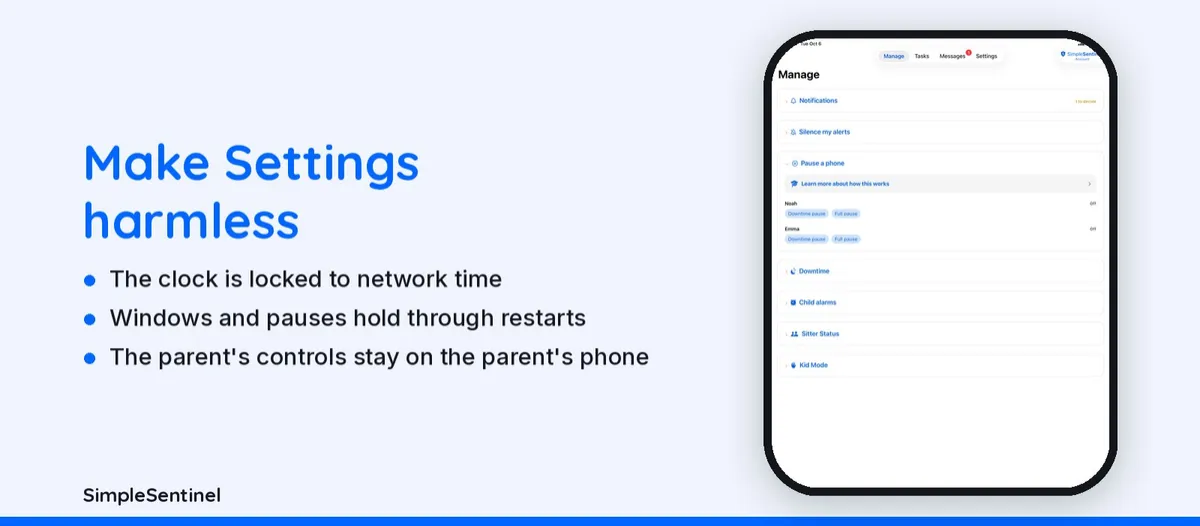
How can I block the Settings app on my son's iPad? The better question is how to make Settings harmless, because the rules that matter should not be undoable from the iPad at all.
SimpleSentinel locks the clock to network time, keeps the downtime windows and any pause in force through restarts, and keeps the parent's controls on the parent's phone. Everything Apple gives you in Settings keeps working alongside it.
One price, unlimited children and devices. 7-day free trial, billed by Apple.
The short version
✓ The clock is locked
A child's phone keeps network time from the moment it's linked, so there's no changing the time to end downtime early or skip a chore. Screen Time has no such lock; SimpleSentinel does, on every child's phone, all the time.
✓ One device, multiple children
Share one device between children. Each signs in with their own four-digit code and gets their own settings to access what you allow and close what you don't; Web browsing included. Their own chores are there too. Set the device down and it locks itself after a few minutes; wrong-code attempts reach you.
✓ Multiple downtime windows
Apple's Screen Time gives you one downtime a day. SimpleSentinel gives you as many named windows as you need per child, school hours and bedtime both, each on the days you pick, with a heads-up chime before each one starts.
✓ Everything Apple gives you still works
Screen Time, Ask to Buy, Find My, content ratings: keep using every control Apple already gives you. SimpleSentinel runs on Apple's own Screen Time framework and adds what they leave out. There's nothing to lose, only capabilities to gain.
The feature page: app to lock iPad for kids.
Pricing
Founding Family (First 1,000 Families)
7-day free trial. Unlimited children and devices.
$9.99/mo
or $99.99/yr
About 28 cents/day for every device & child.
Your price never goes up as long as you stay subscribed.
Regular Price
7-day free trial. Unlimited children and devices.
$16.99/mo
or $149.99/yr
About 41 cents/day for every device & child.
Compare to A locked-down phone @ $1,000/yr per child.
© 2026 Jubilee Industries LLC. SimpleSentinel™ is a trademark of Jubilee Industries LLC. Patent pending.


