How to block TikTok on your child's iPhone
Block the TikTok app with an age ceiling (TikTok is rated 12+ on the App Store, so a 9+ ceiling hides it) or an Apple app limit, block tiktok.com in the web filter, and make a reinstall need your approval.
An age ceiling hides every app above it, not only TikTok; that is the trade. If you want TikTok gone and other 12+ apps kept, use Apple's App Limits with a one-minute limit and Block at End of Limit, and know that Apple's timers sometimes misfire. SimpleSentinel has no per-app timers, on purpose; we say why below.
One price, unlimited children and devices. 7-day free trial, billed by Apple.
Apple's way, our way, keeping it blocked, and the apps shaped the same
With Apple's Screen Time
Two routes. The ceiling: Settings, Screen Time, Content & Privacy Restrictions, Content Restrictions, Apps, 9+, and TikTok leaves the Home Screen along with every other 12+ app. The timer: Screen Time, App Limits, Add Limit, pick TikTok, one minute, Block at End of Limit on. The timer keeps the other 12+ apps, but Apple's limits can misfire on some iPhones, counting time wrong or letting the app through, so check it the first week. Either way, under Web Content add tiktok.com to Never Allow, because the website works without the app.
With SimpleSentinel
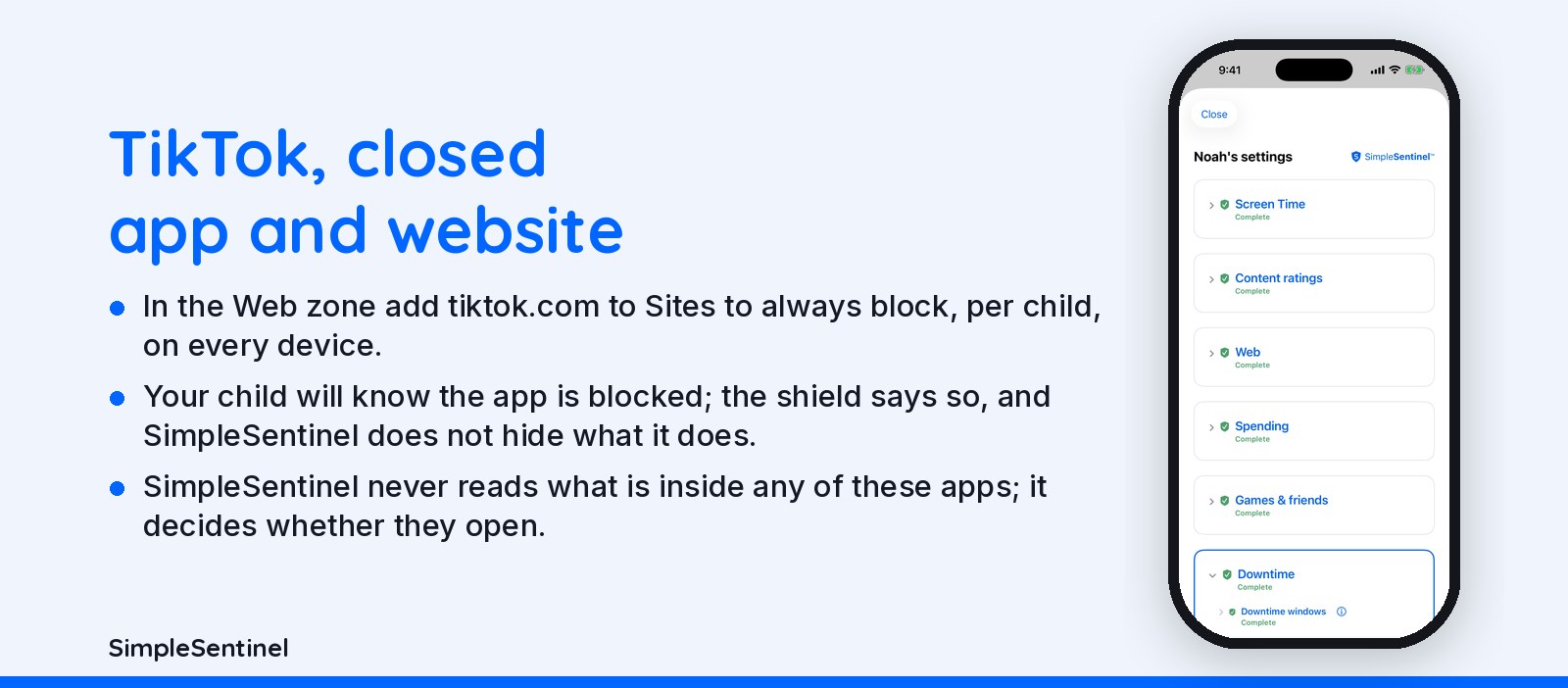
In the Apps zone set the App age ceiling to 9+ and TikTok is hidden on every device that child uses; so is every other app rated 12+ or above, and we say that plainly rather than pretend otherwise. In the Web zone add tiktok.com to Sites to always block, per child, on every device. We do not offer a per-app timer because Apple's own timer is the only one any app can set, and we would rather not sell you a switch that misfires. A downtime window closes the whole screen on a schedule you choose, with a locked clock behind it.
Keeping it blocked
A reinstall: set Installing apps to With my permission (ours) or Ask to Buy (Apple) and TikTok cannot come back without your yes. Another browser: the web filter is Apple's on-device filter, so tiktok.com stays blocked in Chrome too. Siri: switched off under a restricted web mode. Your child will know the app is blocked; the shield says so, and SimpleSentinel does not hide what it does. That is the point: a block they can see is a conversation, a block they cannot see is a hunt.
Snapchat and Instagram are the same shape
Snapchat is rated 12+ and Instagram 12+, so the same 9+ ceiling hides all three at once, and web.snapchat.com and instagram.com go on the same block list. If you want one gone and the others kept, Apple's App Limits is the only per-app tool, with the same misfire caveat. On a shared iPad each child has their own code and their own rules, so a 13-year-old's Instagram is not a 9-year-old's. SimpleSentinel never reads what is inside any of these apps; it decides whether they open.
Pricing
Founding Family (First 1,000 Families)
7-day free trial. Unlimited children and devices.
$9.99/mo
or $99.99/yr
About 28 cents/day for every device & child.
Your price never goes up as long as you stay subscribed.
Regular Price
7-day free trial. Unlimited children and devices.
$16.99/mo
or $149.99/yr
About 41 cents/day for every device & child.
Compare to A locked-down phone @ $1,000/yr per child.
© 2026 Jubilee Industries LLC. SimpleSentinel™ is a trademark of Jubilee Industries LLC. Patent pending.


