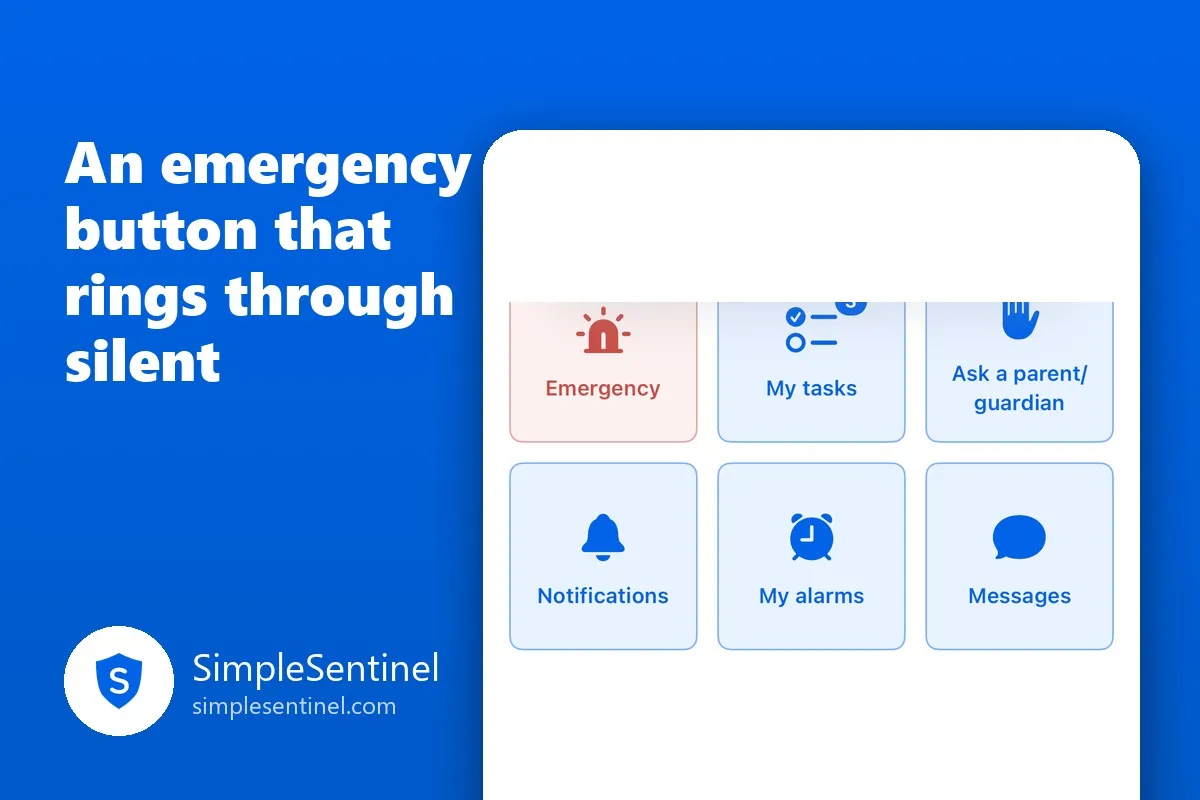
An emergency button on your child's phone that rings through silent
Every parent has the same quiet fear: the one time it matters, the phone is face down on a desk, on silent, in a meeting, and the call goes to voicemail. Children know it too. "I called you three times" is a sentence nobody wants to hear after the fact.
An emergency alert is built for that one time. It is not a text and not a call. It is the loudest thing a phone can do, and a child can send it in two taps.
What the child sees
On the child's own screen is an Emergency square. Tapping it opens one question, "What's happening?", with five lines a child can send without typing a word:
- I need you to call me
- Come get me
- I don't feel safe
- I'm hurt
- I'm lost
Under them is a box to say it in their own words, and a button: "Send to Dad, Mom and Grandma." It goes to everyone by default, every parent and any sitter the family allows, or the child can pick one person.
The sent screen says who got it, and right under that, in plain words: if you are in danger right now, call 911, and how to reach Emergency SOS. The app reaches people. It never pretends to be the emergency services.
While nobody has acknowledged it yet, the child can press "Cancel my emergency," and every adult is told it was cancelled. A child who pressed it by mistake, or whose problem solved itself, is not stuck with a siren going off in three kitchens.
What the parent hears
The alert arrives at full volume with its own alarm sound, through the silent switch, through every Focus mode, through Do Not Disturb, through your own quiet hours in the app, and through the family's Silence alerts switch. Apple calls this a Critical Alert, and it is granted to very few apps for exactly this reason. The banner is red, it names the child, and it carries their words.
It keeps alarming every parent's phone until one of you presses Acknowledge on it. Opening the app does not count. Seeing the banner does not count. A person has to press, and then the child's screen and every other parent's phone learn that someone has it.
If you have a sitter active for the evening, they are reached too, if you have given them that permission.
Setting it up
In each child's settings, under the alerts you get about them, is one required question: "Let Lily send an emergency alert?" Answer no and there is no Emergency square on their phone at all. Answer yes and it appears.
Then one thing on the child's phone: when the app first asks, allow Critical Alerts. The child's own screen shows whether emergency alerts are "on", and if they were declined, it shows the fix: Settings, Notifications, SimpleSentinel, Critical Alerts. Your app shows the same status, so you know before you need it.
In the other direction
You can send an emergency to a child, too. It sounds its own alarm on their phone through silent and through downtime, covers their screen with your words, and stays until they press Acknowledge. The app asks "Are you sure?" first, because it is meant to be rare.
The conversation to have
The button is only as good as the talk that goes with it. Three things worth saying to a child, in your own words:
- This is for when you need me and cannot wait. Not for a ride home from practice that is running late.
- If you press it by mistake, press Cancel. Nobody will be angry.
- If you are in real danger, 911 first. Then this.
Most families will never use it. The ones who do will not care about anything else the app does.