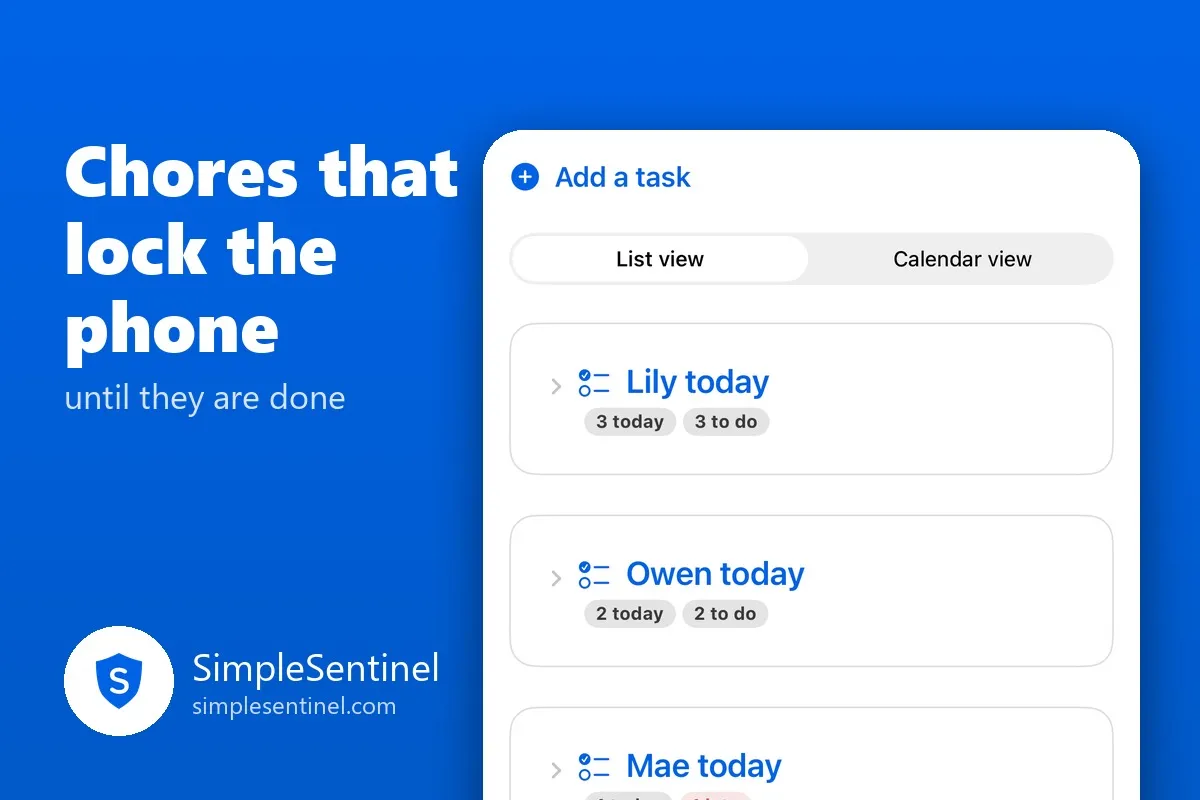
Chores that lock the phone until they are done
Every parent has said some version of it: "Phone goes away until the dishes are done." Then the evening happens, the phone does not go away, and the dishes are still there at nine.
The problem is not the rule. It is that the rule lives in your memory and your willpower, at the end of the day, when both are low. A chore that locks the phone by itself moves the rule onto the phone, where it does not get tired.
How a task works
On the Tasks tab you add a task: a name, the child or children it is for, when it is due, and what happens to the phone if it is not checked off. The task shows on your child's phone on a list called My tasks, today first, the week ahead under it. They check it off with one tap.
You choose what "not done" means:
- Stays open. A reminder and a check-off, nothing more. Good for a child who just needs the list.
- Downtime until done. From the task's time until it is checked off, the phone runs under the child's downtime rules: the apps you always allow stay open, everything else closes.
- Full pause until done. Everything closes until the task is checked off. Calls still work, and so does SimpleSentinel, so they can always reach you.
The lock starts at the time you pick and ends the moment the task is checked off, even with no internet, so a child in the backyard who finishes the job gets the phone back on the spot. Only the task's own lock is lifted; a bedtime downtime or a pause you set keeps running.
Their word, or yours
"Counts as done when" is the setting parents ask about most, so here it is plainly:
- Their check-off. The phone opens the instant they tap. If you walk past the sink and disagree, Send it back locks the phone again with a note.
- My approval. The check-off asks you first, right on the banner, with Approve and Send it back. The phone stays locked until you say yes.
- When the time is up. For a task with a window, like "piano, 4:00 to 4:30," it is done when the window ends.
A task can carry steps, each checked off on its own, and you can require a note from the child before they sign off, or on any one step. A step they cannot do takes a reason, and you see it.
Siblings, and taking turns
A task can be for one child, several, or all of them. For the ones that rotate, there is round robin: one child per day, in the order you set, on the days you chose. After the last child it starts again with the first, and the rotation carries straight on from one day to the next, so over a month everyone has had the same number of turns. No chart on the fridge.
A child can cover a task for a sibling for one day, from the task's own menu, without changing who owns it.
When life happens
Let it go clears a task for today without marking it done, and lifts its lock. A change made from today's list can be for today only, so a dentist appointment moves one afternoon's chore without touching the rest of the week.
For a vacation there is a pause on tasks: skip today, pick a span of days, or stop them until you start them again. A held day generates no task at all, so the week reads as held, never missed. If you want missed tasks to come back once on the first day home, there is a switch for that.
What you hear
You can be told when a child checks off a task and when they have not, with a tone of its own so you know what it is before you look. A late check-off is reported as late. A "not yet" carries the child's reason.
The rule you set in the kitchen now holds in the kitchen, and you are back to being the parent who approves, not the one who nags.
Download SimpleSentinel on the App Store: https://apps.apple.com/app/id6799535985