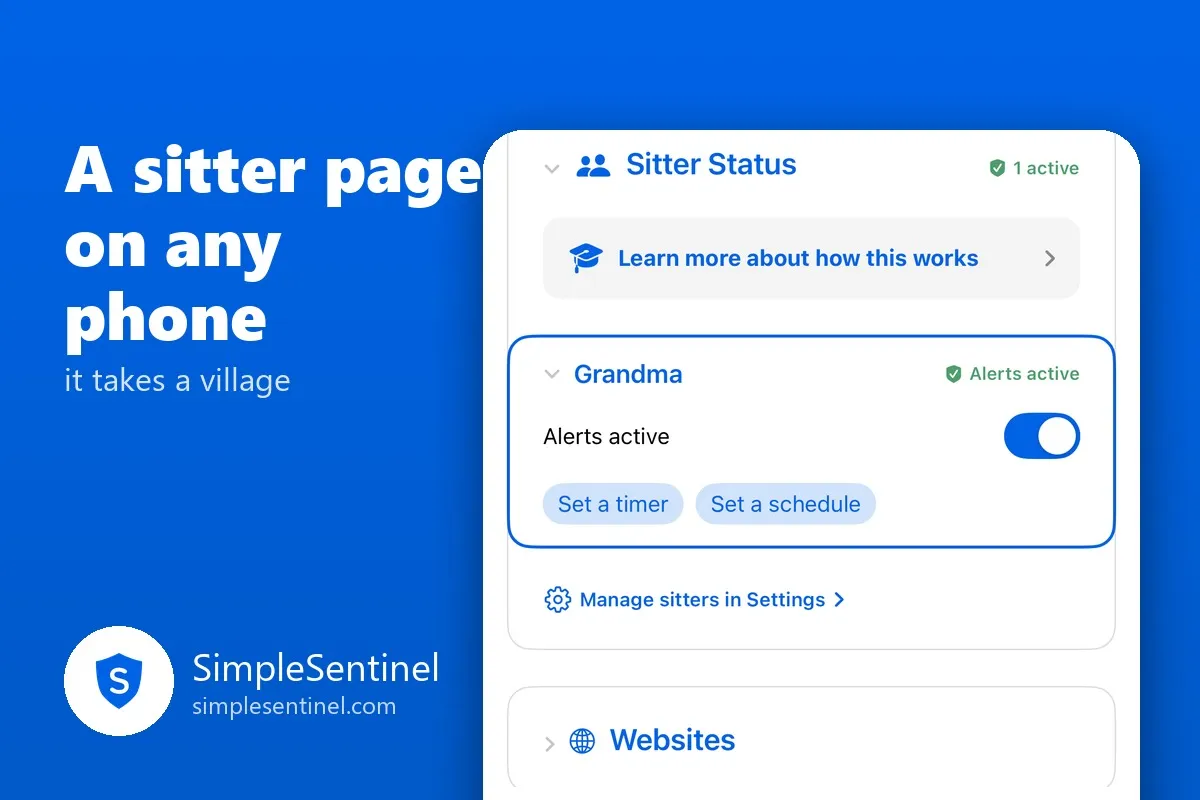
A babysitter page on any phone: it takes a village
Parental controls assume the parent is always the one in the room. Then Saturday comes. Grandma has the children, and Grandma has an Android. The sitter is sixteen and will not be installing your family's app. The children know all of this before you have backed out of the driveway.
The adult in charge for the evening needs a little of your power, for the evening, on whatever phone they own.
A page, not an app
A sitter gets a personal web page from a link you text them. No Apple device, no app to install, no account to create. Any phone with a browser, Android included, or a desktop. They add it to their home screen and it sits there like an app, with your family's name under the icon.
Everything a sitter allows ends tonight at 11:59 PM. That single rule is what makes it safe to hand out: a sitter can say yes to a website, give more time, pause a phone, and none of it survives the night.
What a sitter can do
You choose, switch by switch, when you set them up:
- See alerts and the children's requests, and answer the ones you allow: a website or an app for today, more time, not now. Deleting an app, adding a contact and setting a private code are always yours and never reach the sitter.
- Pause a phone. Full pause or downtime pause, per child, ending tonight unless you resume it first. You can override any pause they start, and you are told.
- Message the children, in the same family chat you use. With your permission they can send a No Ignore, or even an emergency, though their page can never ring through a silenced phone; only the app can do that.
- Manage tasks for today. Check one off, approve it, send it back, say nice job, or let it go. They can add a task for today only; anything that repeats is yours to set.
Every act is attributed to them by name on your Notifications: "Grandma allowed a website for Lily." Nothing is anonymous.
Active and inactive
A sitter's powers are on only while you make them active: a switch on the Manage tab, a timer, or a weekly schedule for the regular Tuesday sitter. Inactive, they see nothing and can do nothing, and their page says so. They can make themselves inactive any time, and only you can make them active again. A grandparent who helps every weekend stays set up for months and simply gets switched on Friday night.
Setting one up
In Settings, under Admins & sitters: add a sitter, name them, choose their permissions, and type the last four digits of their phone number. Copy the invite and text it. On their end: open the link, type those four digits, accept, add to home screen, done. The link works once and expires after fourteen days.
Then on your Manage tab, flip Alerts active when you want them on. Their page notices within seconds.
The other kind of helper
For a second parent, or a co-parent in another house, there is the admin role instead: the full app on their own iPhone, with every setting. A sitter is for the evening. An admin is for the family.
The village was always there. It just needed a page.