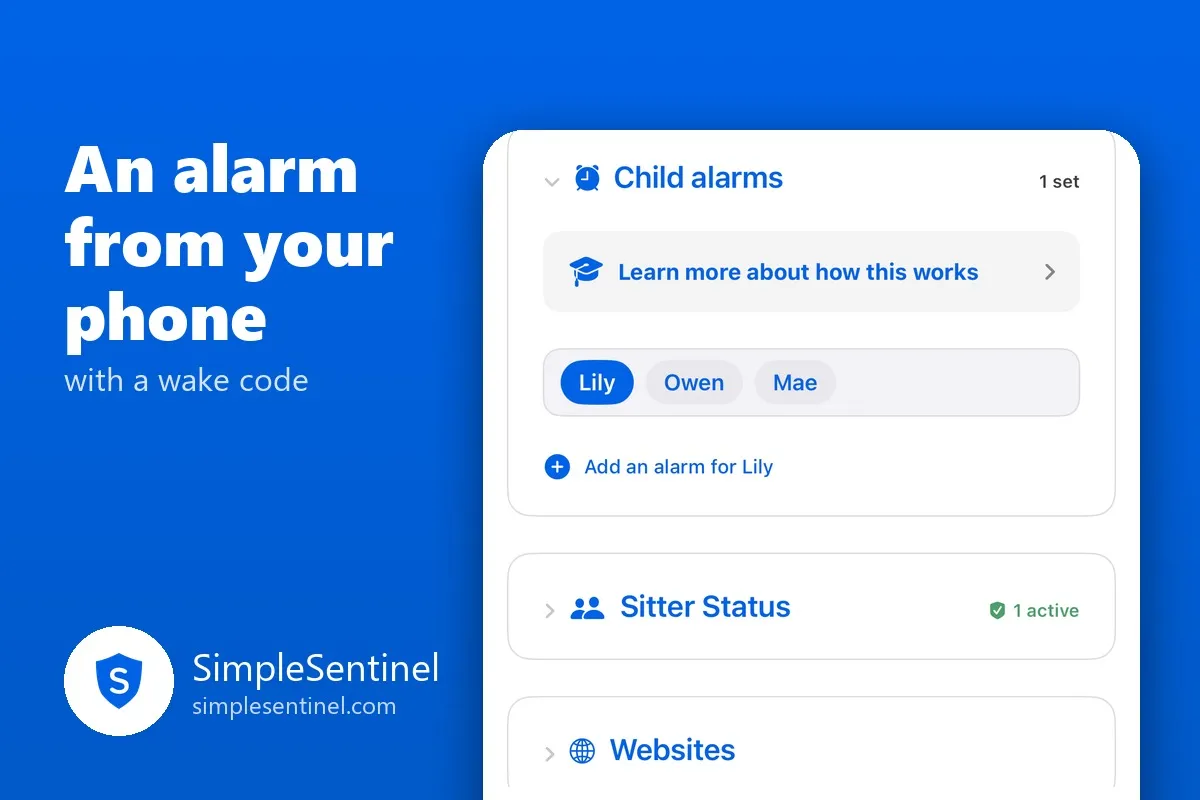
Set an alarm on your child's phone from yours, with a wake code
There are two kinds of hard mornings. One is the child who sleeps through the alarm. The other is the child who hears it fine, taps Snooze nine times, and arrives at breakfast with eleven minutes to spare. Both end with a parent standing in a doorway.
A child's phone is already the alarm clock. The missing piece is a parent who can set it, and an alarm that does not take no for an answer.
An alarm you set from your phone
On the Manage tab there is a card called Child alarms. Pick a child, add an alarm: a title, a time, how it repeats (once, every day, every weekday, or a custom pattern), and one of three sounds. Gentle starts quiet and swells. Medium is the classic beep. Loud is alarm bells. You hear eight seconds of each when you pick.
Press Set alarm and the child's phone is told. From then on it rings there like any real alarm: full screen, through Silent mode, through every Focus, whether or not the app is open. On the child's phone the alarm shows under My alarms with your name on it, read-only. The only place it can be changed is your phone.
A plain alarm behaves like one: Stop ends it, and Snooze buys the length you chose, 1, 3, 5, 10 or 15 minutes, as many times as they like. For a lot of children that is enough.
The wake code
For the other children there is anti-snooze. Turn it on and Snooze disappears. When the alarm rings, the child's screen shows a four-digit code in big numbers, new every time, and typing it is the only way to stop the alarm. Stop quiets it for half a minute and it rings again, and again, for up to thirty minutes, until the code is typed.
Typing four numbers takes open eyes and a steady hand. That is the whole trick. You cannot do it asleep, and once you have done it you are awake enough to stay that way.
If fifteen minutes pass with no code, you are told, so someone can go knock. If a ring is still going when you look at the card, there is a button to stop today's rings, for the morning the school is closed and nobody told the alarm.
What you hear
Each alarm leaves a proof row in your Notifications when it rang. You can also be told when a child answers an alarm, when they snooze one, and when the code has not been typed, each with its own delivery: ring your phone, a quiet banner, or the daily summary. Set those once per child, or for all of them.
Two honest limits
A real alarm, the kind that rings through Silent with the app closed, needs iOS 26 on the child's phone. On an older iPhone the alarm arrives as a notification with the alarm's sound, a minute at a time, which the silent switch can quiet. Your card tells you which kind of phone each child has.
And the child's phone is asked once whether SimpleSentinel may ring alarms. If that was declined, the card says so with the fix, and the child's own screen shows the same fix, so a quiet morning is a known cause, not a mystery.
The morning after
The best part is not the alarm. It is the doorway. When the phone does the waking, the first words of the day can be about breakfast.